




If you’re a special educator, chances are you’ve wanted to know how to Create Adapted Resources spent way too much time cutting, gluing, laminating, and assembling materials—only to realize your students didn’t connect with them the way you hoped. You’re not alone. Adapting classroom resources is a must in special education, especially for self-contained settings. But let’s be honest: it can get overwhelming, fast.
The good news? It doesn’t have to be.
Let’s walk through how to create adapted resources for self-contained special education classrooms that are actually functional—without wasting time or overcomplicating things.
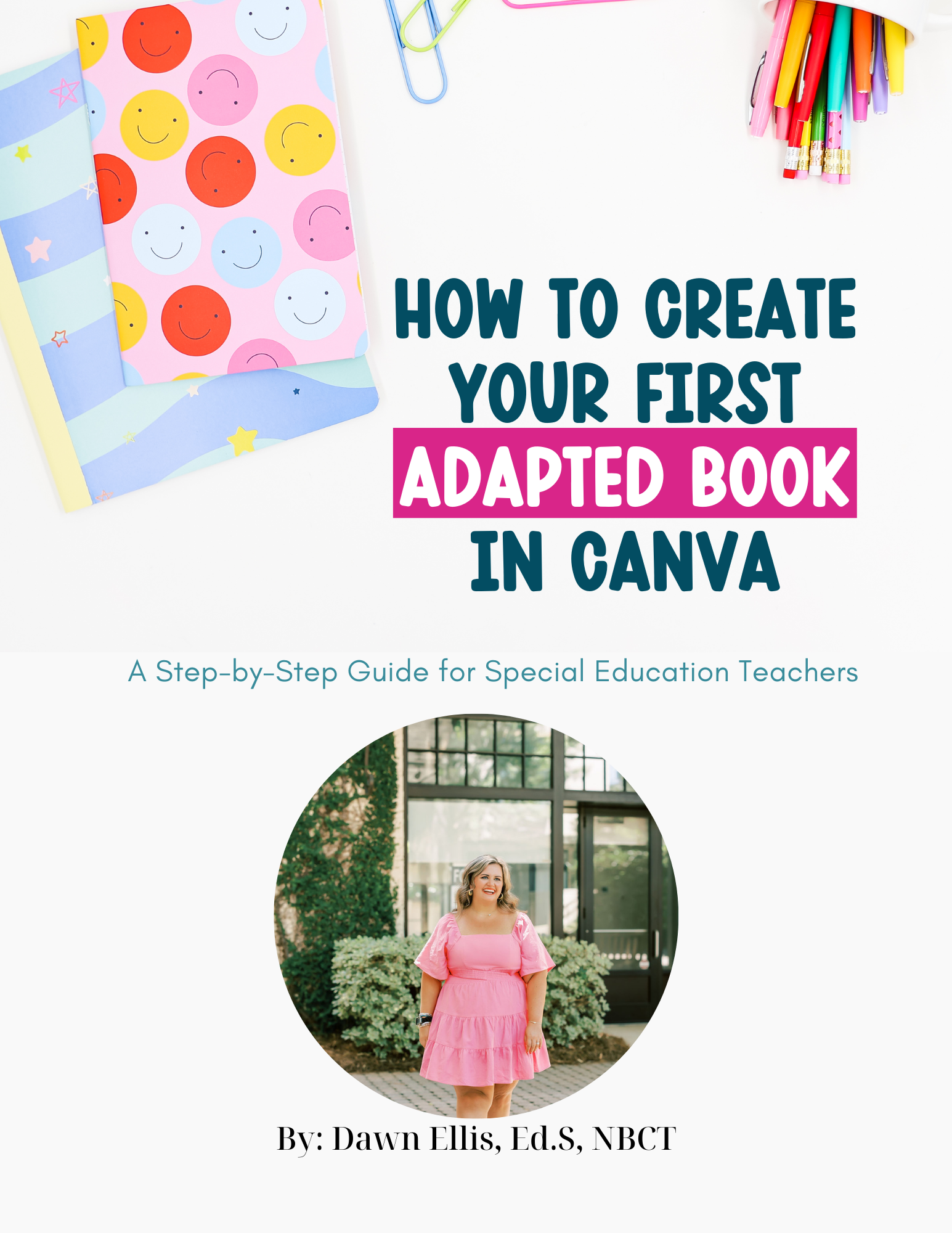
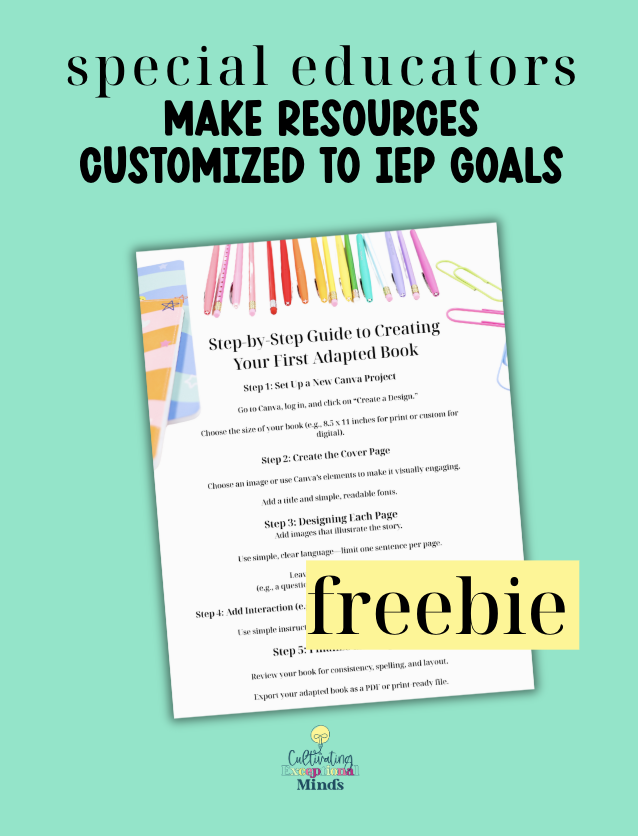
And if you’re ready to dive deeper, don’t miss the free Adapted Resource Starter Kit, which includes a short video training, Canva template, and step-by-step guide to get you started today.
Why “Cute” Doesn’t Always Mean “Effective”
One of the biggest mistakes educators make when adapting materials is prioritizing appearance over functionality. Sure, rainbow fonts and clipart are adorable—but if your students can’t access the material independently or understand what’s expected, it’s not helping.
In self-contained classrooms, your learners need simplicity, clarity, and engagement. They don’t need fluff. They need supports that are:
- Easy to understand
- Visually supportive
- Repetitive in structure
- Targeted to IEP goals
- Hands-on whenever possible
That’s why learning how to create adapted resources for self-contained special education classrooms isn’t just a nice-to-have skill—it’s essential.
Common Mistakes to Avoid When Adapting Materials
Let’s call out some of the most common missteps we make when trying to support our students (been there, done that):
1. Overloading with Too Much Info
It’s easy to think “more is better,” but too many images, choices, or text boxes can lead to cognitive overload. Keep it clean and minimal—focus on one skill or concept at a time.
2. Prioritizing Design Over Use
We all love a Pinterest-worthy worksheet, but does it support your nonverbal student who uses a core board? Does it let students practice independently with visuals or manipulatives? If not, it might need a tweak.
3. Forgetting Real-Life Use
Ask yourself: can my student use this without 1:1 adult prompting? If not, what visual cue, task card, or structure would help them become more independent?
5 Key Elements of Effective Adapted Resources
If you want to learn how to create adapted resources for self-contained special education classrooms that actually work, start with these 5 tips:
1. Use Clear, Concise Instructions
Write directions using simple, direct language. Pair them with icons or visuals where possible. Think: “Cut and paste the match” with visual scissors and glue symbols.
2. Include Visual Cues
First/Then boards, token boards, and color-coded sorting areas help students process tasks faster and feel more in control. The more visual scaffolding, the better!
3. Make It Interactive
Use Velcro, flaps, matching cards, and movement-based elements to create resources students want to touch and use. Engagement drives learning.
4. Target One Core Skill
Don’t try to hit every standard in one worksheet. Focus on isolating and reinforcing a single goal—like sorting, identifying emotions, or matching letters to sounds.
5. Build for Reuse
Adapted resources take time to make, so create ones you’ll use all year long. Laminate or go digital. Store by skill. Make your future self grateful.
Quick Start Tip: Use Canva Templates
One of the easiest ways to get started with adapted resource creation is with Canva. It’s free, beginner-friendly, and totally customizable. Drag and drop your visuals, add symbols, and create resources that actually align with your classroom routines.
Not sure where to start? Download the Free Adapted Resource Starter Kit to get a Canva template, step-by-step instructions, and a mini video training that walks you through the process.
Streamline with Templates + Ready-Made Supports
Here’s your permission slip: you do not need to create everything from scratch.
The Exceptional Collective membership includes ready-to-use adapted materials and editable templates you can plug into your classroom systems right away. From task boxes to visual schedules, it’s all designed with the self-contained teacher in mind.
Less guessing. More teaching.
Pair this with a few go-to tools—like a storage system for your visuals, or a color-coded weekly bin—and suddenly, your classroom feels way more manageable.
Let’s Make Adapted Resource Creation Easier
You don’t need to spend hours building the perfect center or worksheet. You need resources that help your students grow and give you back your time.
Whether you’re creating from scratch, tweaking a template, or modifying something already in your stash—remember: clarity and functionality always come first.
Start simple. Adapt often. And lean on your tools.
Grab the free starter kit below and check out Podcast Episode 262 for even more real-talk tips on how to create adapted resources for self-contained special education classrooms that actually work.
✅ Download your free starter kit here:
https://cultivatingexceptionalminds.myflodesk.com/visualsfreebie
Includes:
🎥 7-minute video walkthrough
📄 Step-by-step guide
📂 Canva template to get started today
You’ve got the ideas. Now it’s time to simplify your systems—and make your materials work for you.